First-time builder
You have a product idea but do not know which files, frameworks, or components to create first.
Start with a working interface and learn by asking for small, visible changes. For background, see what is vibe coding.
Build from intent
Vibe coding software lets you describe a useful product in everyday language, review the generated result, and refine it through conversation instead of starting with a blank code editor.

See the handoff
The fastest way to understand Vibecode is to compare a specific request with the broader workflow behind it. Each example begins with a plain-language prompt and ends with a visible product direction.
Create a clean project dashboard with task status cards, a weekly progress chart, and a blue accent color.
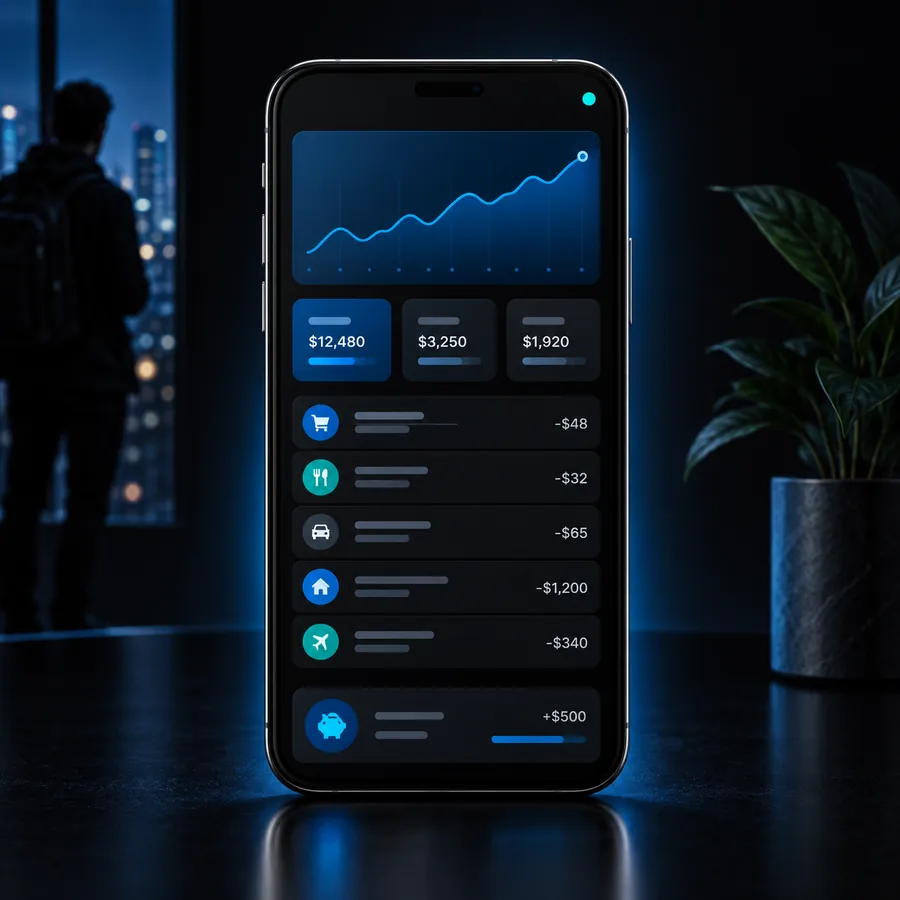 Dashboard
result
Dashboard
result
Build a mobile habit tracker with daily check-ins, a streak counter, encouraging empty states, and a calm dark theme.
 Productivity
result
Productivity
result
Design a focused landing page for a freelance design studio with a bold headline, selected work grid, and contact section.
 Landing page
result
Landing page
result
Keep the structure, audience, and desired action in your prompt; change one requirement at a time as you iterate.
Choose your starting point
The software is most useful when the goal is to move from an idea to something testable. These four starting points show where conversational building has a clear advantage.
You have a product idea but do not know which files, frameworks, or components to create first.
Start with a working interface and learn by asking for small, visible changes. For background, see what is vibe coding.
You need to test a signup flow or dashboard before committing to a full engineering roadmap.
Generate a focused prototype, put it in front of a few users, and use their feedback to decide what deserves deeper implementation.
A visual direction is clear, but translating it into a clickable experience would take too long by hand.
Turn screens, states, and responsive behavior into an interactive draft that can be reviewed with teammates.
You understand the technical target but want help with repetitive scaffolding, copy, and interface variations.
Use natural language for the first pass, then inspect and strengthen the implementation with normal engineering judgment.
From blank to tangible
A vague request creates a vague starting point. Adding the audience, core action, and visible requirements gives the generated result enough direction to become a useful prototype.


The improvement comes from specificity: name the user, the main task, the important states, and what success should look like.
Loose ideaUsable prototypeA practical loop
You do not need a complete specification before opening the builder. Begin with the smallest useful version, then use the result to discover what needs to be more precise.
State who the product is for, what they should accomplish, and the one screen or flow that matters most.
Check the navigation, copy, empty states, and interaction logic. Point to a specific problem instead of asking for a vague improvement.
Request one change at a time, test the important path, and keep a human review step before relying on the result.
Know the boundary
Vibecoding is a strong starting surface, not a substitute for product decisions, testing, or responsible software maintenance.
A prompt may omit permissions, edge cases, accessibility needs, or the rules behind a business process.
What to do instead
List users, states, constraints, and failure cases before asking for a second pass.
A convincing interface can still contain fragile logic, unsuitable dependencies, or gaps in validation and error handling.
What to do instead
Inspect the implementation, run tests, and have an experienced developer review important paths.
Generated screens can look plausible without proving that the workflow solves a real problem for real people.
What to do instead
Share a narrow prototype with representative users and record where they hesitate.
Secrets, personal data, authentication, and external integrations still require deliberate design and ongoing checks.
What to do instead
Use least-privilege access, protect sensitive values, and follow the security guidance for your stack.
Continue exploring
Built for iteration
The visual payoff is not just the first generated screen. It is the ability to move between product intent, interface structure, and concrete revisions without losing the thread.
 Prompt to prototype
Step 1
A prompt becomes easier to evaluate when it produces a screen, flow, or interaction you can see. That gives non-developers and developers a shared object to discuss instead of debating an abstract idea.
 Iterative editing
Step 2
Once the broad structure is useful, conversational changes can focus on hierarchy, copy, responsive behavior, or states. Small requests make the feedback loop easier to understand and control.
 Human review
Step 3
The best results come from treating generated output as a draft that deserves review. You decide what is correct, what is safe, and what should be simplified before anyone depends on it.
Make the first pass
Describe a focused app, landing page, or workflow and let Vibecode give you a concrete place to begin. Refine the draft with intent, then validate it with the people who will use it.
Common questions
A few practical answers can help you decide whether this style of building fits your next project.
Vibe coding software is a tool that turns natural-language instructions into software concepts, interfaces, or working prototypes. You describe the outcome, review what is produced, and continue refining it through prompts.
It can help create early web pages, dashboards, mobile layouts, forms, workflows, and other interface-driven prototypes. The quality of the result depends on how clearly you describe the audience, behavior, constraints, and desired output.
Yes, it can give beginners a concrete way to learn how product structure and code fit together. Beginners should still work in small steps, ask why changes were made, and test the result rather than assuming generated output is correct.
Developers can use it to explore interfaces, scaffold repetitive work, compare implementation directions, and communicate prototypes quickly. It is most valuable when developers inspect, test, and improve the generated work instead of accepting it without review.
Check the main user flow, validation, error states, accessibility, dependencies, data handling, and authentication boundaries. Treat generated code as a draft and apply the same testing and security standards you would use for any other software.