The organizer
You need a simple task list for a class, move, or personal project but do not want to learn a full framework first.
Get a focused checklist with categories, due dates, and a clear completion state.
Beginner path
Vibe coding for beginners is easiest when you start with a small outcome, describe it plainly, and improve one visible result at a time. You do not need to know every technical term before you begin.

Choose a first win
The safest first project is useful, small, and easy to inspect. Choose one familiar problem, then let the tool turn your plain-language direction into a starting point.
You need a simple task list for a class, move, or personal project but do not want to learn a full framework first.
Get a focused checklist with categories, due dates, and a clear completion state.
You have a landing-page idea but only a rough description of the audience, offer, and tone.
Turn the idea into a responsive first draft that you can review and refine visually.
You want to understand how an interactive feature works by seeing a small working version instead of reading abstract documentation.
Make a tiny calculator, quiz, or tracker and ask for explanations alongside each change.
You need a lightweight form or directory for a club, event, or neighborhood group.
Create a useful interface with clear fields, helpful empty states, and a manageable data flow.
Prompt to result
These examples show how to move from a plain request to a testable result. Copy the prompt, then change one requirement at a time instead of rewriting everything.
Create a calm blue habit tracker with three habits, daily checkboxes, a weekly progress bar, and a mobile-friendly layout.
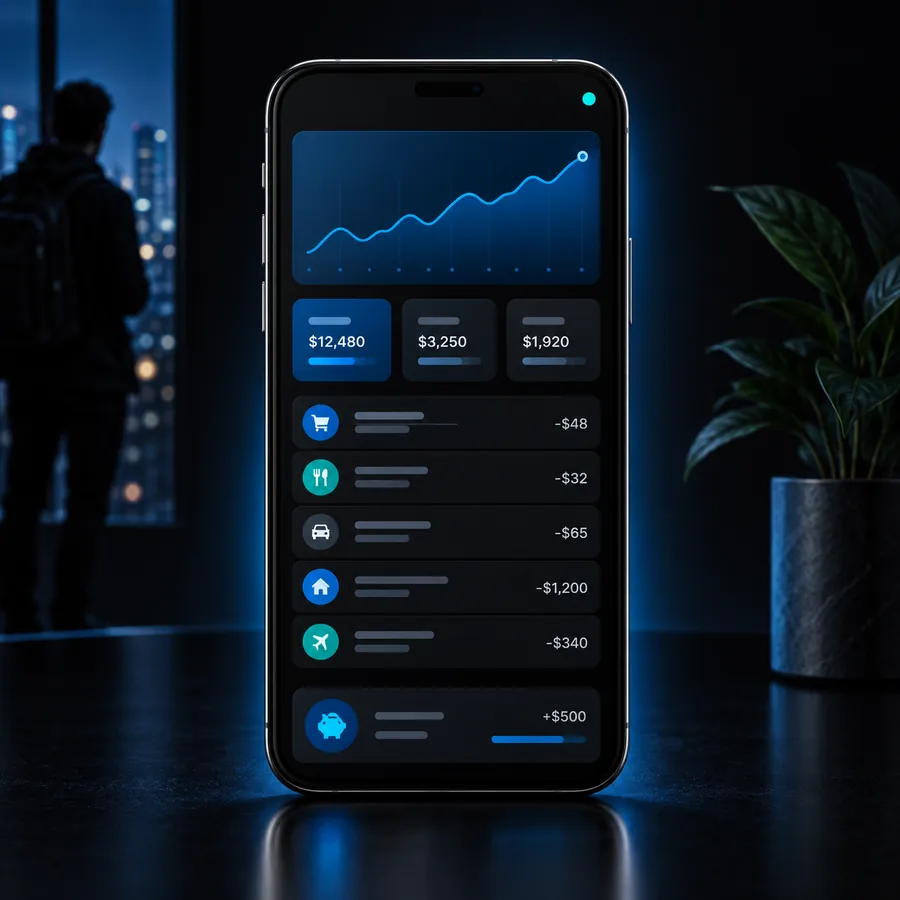 Tracker
result
Tracker
result
Build a one-page event site for a neighborhood workshop with a strong title, date, location, three benefits, and one registration button.
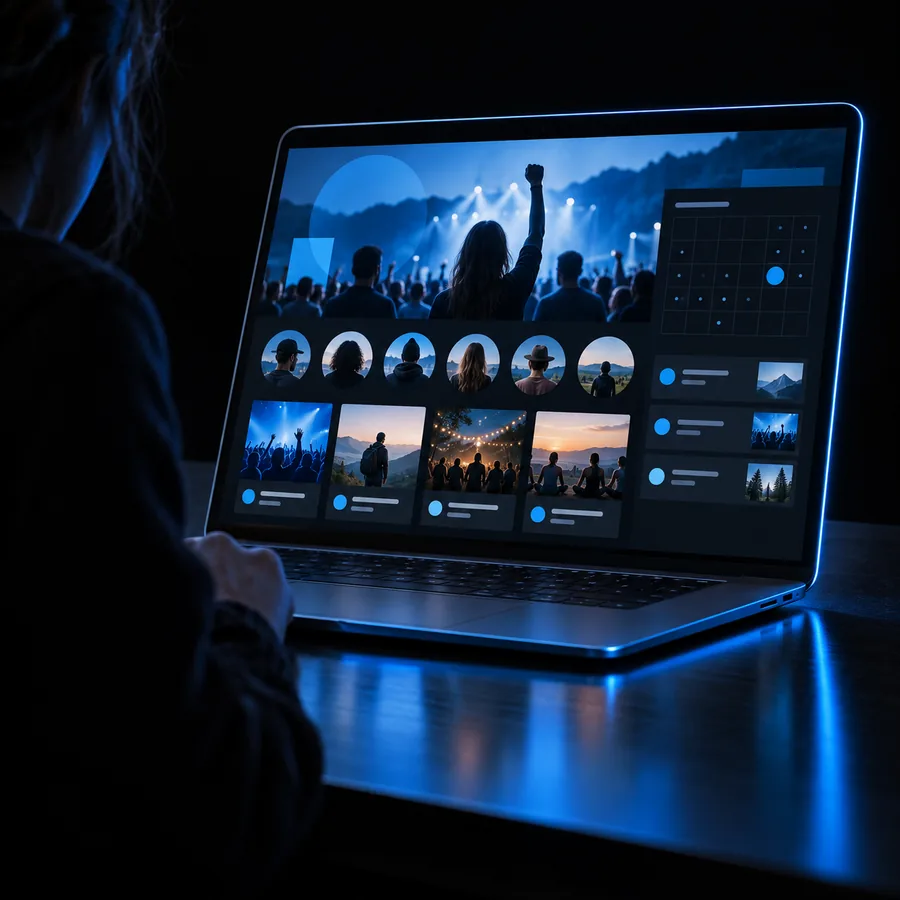 Landing page
result
Landing page
result
Make a five-question quiz about basic astronomy with one question per screen, answer feedback, a score view, and a restart button.
 Quiz
result
Quiz
result
Keep the goal fixed, then adjust layout, wording, or one behavior in a separate prompt.
Build in passes
Each workflow has a narrow first pass, a review step, and a clear stopping point. That rhythm helps you learn what the generated project is doing without creating unnecessary complexity.

Describe one repeated task and ask for the smallest interface that makes it easier. Check every label and interaction before adding extra features.

Give the tool a specific audience, a single promise, and a desired action. Review the page on a narrow screen and remove anything that distracts from that action.

When a result works, ask what each important part does. When it fails, share the exact symptom and request a small diagnosis before asking for a rewrite.
Keep the scope small
A beginner-friendly build should produce something concrete enough to inspect, but limited enough to understand. These are useful boundaries for a first session.
Review before sharing
Generated output is a draft, not proof that a project is correct. Before sharing it, inspect the behavior, the content, and any data the project collects.
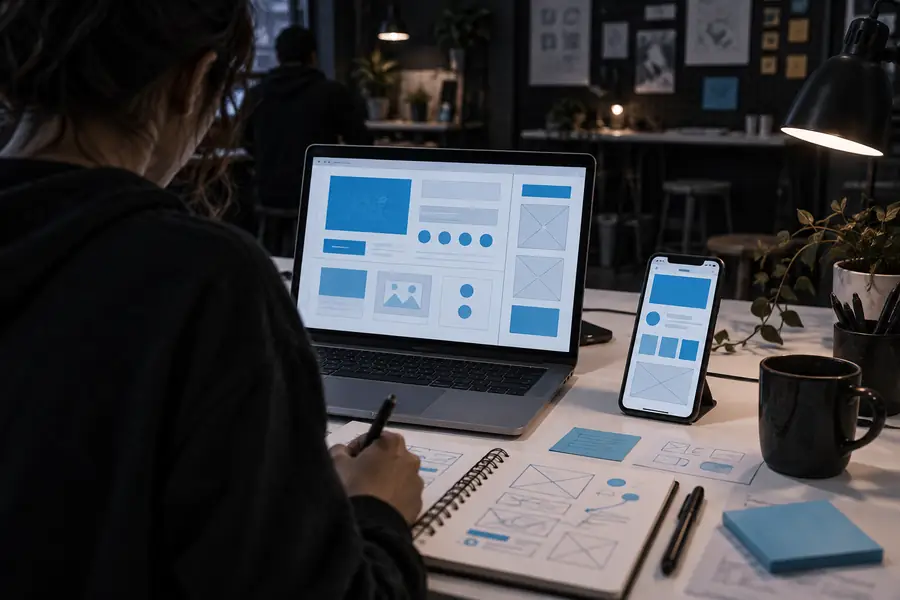

Use fictional data while learning, remove secrets from prompts, and verify permissions, forms, links, and accessibility before publishing.
First draftReviewed resultYour first build
Bring a small idea, describe the outcome in plain language, and improve the result through short review cycles. Vibecode gives you a practical place to begin without turning the first project into a giant technical lesson.
Beginner FAQ
Choose a small tool or page with one clear purpose, such as a checklist, quiz, habit tracker, or event page. The best first project is easy to test and useful enough to keep your attention.
No, you can begin by describing the outcome in everyday language. Basic coding knowledge becomes valuable as you review generated work, understand errors, and make more precise changes.
Name the audience, the desired result, the main features, and any visual or content constraints. Start with a short brief, inspect the output, then ask for one focused change rather than adding every idea at once.
It can be a useful visual starting point when you ask for explanations and test each change. Treat generated code as something to inspect and question, not as a replacement for learning fundamentals.
Test the main user flow, check mobile layout, verify links and form behavior, and remove private or sensitive data. Also review accessibility basics and confirm that the content says what you intend.