Claude workflow
A practical guide to vibe coding in Claude
Vibe coding in Claude works best when conversation becomes a disciplined build loop: describe the outcome, inspect the change, test the result, and refine with evidence.

What this scenario must deliver
Claude should do more than produce code that looks plausible. A useful conversational build produces a working result, explains important choices, and leaves you with a way to verify the next change.


The difference is not the size of the prompt; it is the quality of the feedback loop.
Unstructured promptReviewed build loopEach item
Use this side-by-side view to decide whether Claude is helping you move from an idea to a dependable result, rather than simply generating more text.
| Loose conversation | Directed build loop | |
|---|---|---|
| Starting request | Broad idea with several unstated assumptions | One outcome, one audience, and clear constraints |
| Project context | Claude guesses files, dependencies, and existing behavior | Relevant files, errors, and current behavior are supplied |
| Change size | Several unrelated features change at once | One bounded change is made and reviewed |
| Validation | The result is accepted because it looks finished | The result is run, tested, and checked against the request |
| Error handling | A failed command leads to another broad rewrite | The exact error and surrounding context guide a targeted fix |
| Code ownership | Generated code remains difficult to explain | The user can identify what changed and why |
| Next prompt | “Make it better” resets the conversation direction | The next request names the observed gap and desired behavior |
Quality bar
A strong Claude session is a short sequence of observable decisions. Keep each step small enough that you can tell whether the change helped.
-
1
State the outcome
Describe the user action, expected result, technical boundaries, and any files or surfaces that must remain unchanged.
-
2
Ask for a plan first
Have Claude identify the likely files, implementation steps, assumptions, and validation method before it edits the project.
-
3
Run and inspect
Execute the relevant path, compare the behavior with the request, and return exact failures instead of a general complaint.
-
4
Refine one defect
Ask for the smallest focused correction, then repeat the check until the behavior and explanation agree.
Common rework
Most wasted effort in Claude comes from unclear boundaries, not from a lack of generated code. These quantities are practical review targets for each conversational change.
- Name the user-visible result before asking for implementation
- 1 outcome
- Keep each request narrow enough to review
- 1 change
- Run a relevant validation after every meaningful edit
- 1 check
- Replace assumed context with files, errors, and observed behavior
- 0 guesses
Common rework
These prompts show how to move Claude from a vague request toward a concrete, testable result. Copy one, then adapt the nouns and constraints to your own project.
-
1 prompt, verbatim
Create a responsive habit tracker with local storage, editable habits, streak counts, and an accessible dark mode.Claude build prompt App UI · local-first · responsive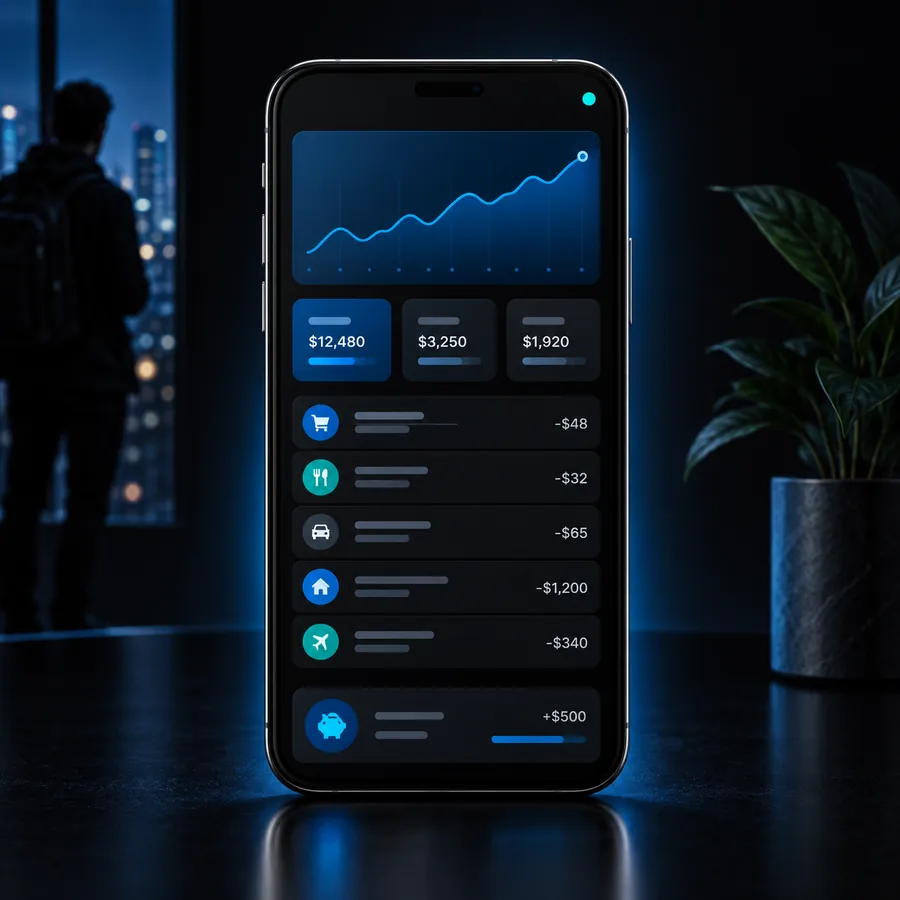 Productivity
result
Productivity
result
-
2 prompt, verbatim
Build a clean dashboard for weekly study sessions with filters, empty states, keyboard navigation, and sample data for review.Claude build prompt Dashboard · accessible · reviewable Dashboard
result
Dashboard
result
-
3 prompt, verbatim
Create a minimal landing page for a neighborhood repair service with a clear booking flow, mobile layout, and concise trust-focused copy.Claude build prompt Landing page · mobile-first · conversion flow Website
result
Website
result
When adapting these prompts, preserve the outcome and constraints, then add the exact error or behavior you want Claude to inspect.
Make your next Claude session deliberate
Bring Vibecode a concrete outcome instead of a blank prompt. Describe the interface or workflow, let the build take shape, and keep the review loop visible so every refinement has a reason.
- Turn an idea into a focused build request
- Keep implementation changes small and reviewable
- Use observed behavior to guide the next prompt
Scenario FAQ
Answers for people exploring how Claude fits into a conversational software-building workflow.
It means describing software in natural language and collaborating with Claude as it plans, writes, explains, and revises the implementation. The reliable version still includes human review, testing, and clear feedback rather than accepting every generated change automatically.
Claude may produce a useful first pass from one detailed request, but a complete application usually needs several rounds. Requirements, edge cases, integrations, visual details, and errors become clearer when the work is divided into focused steps.
State the user outcome, relevant constraints, existing project context, and how success will be checked. Ask for a plan before editing, then provide exact errors or observed behavior when you request a revision.
Yes, because natural-language requests can lower the barrier to experimenting with interfaces and small tools. Beginners should still ask Claude to explain unfamiliar code, make one change at a time, and verify that the result behaves as expected.